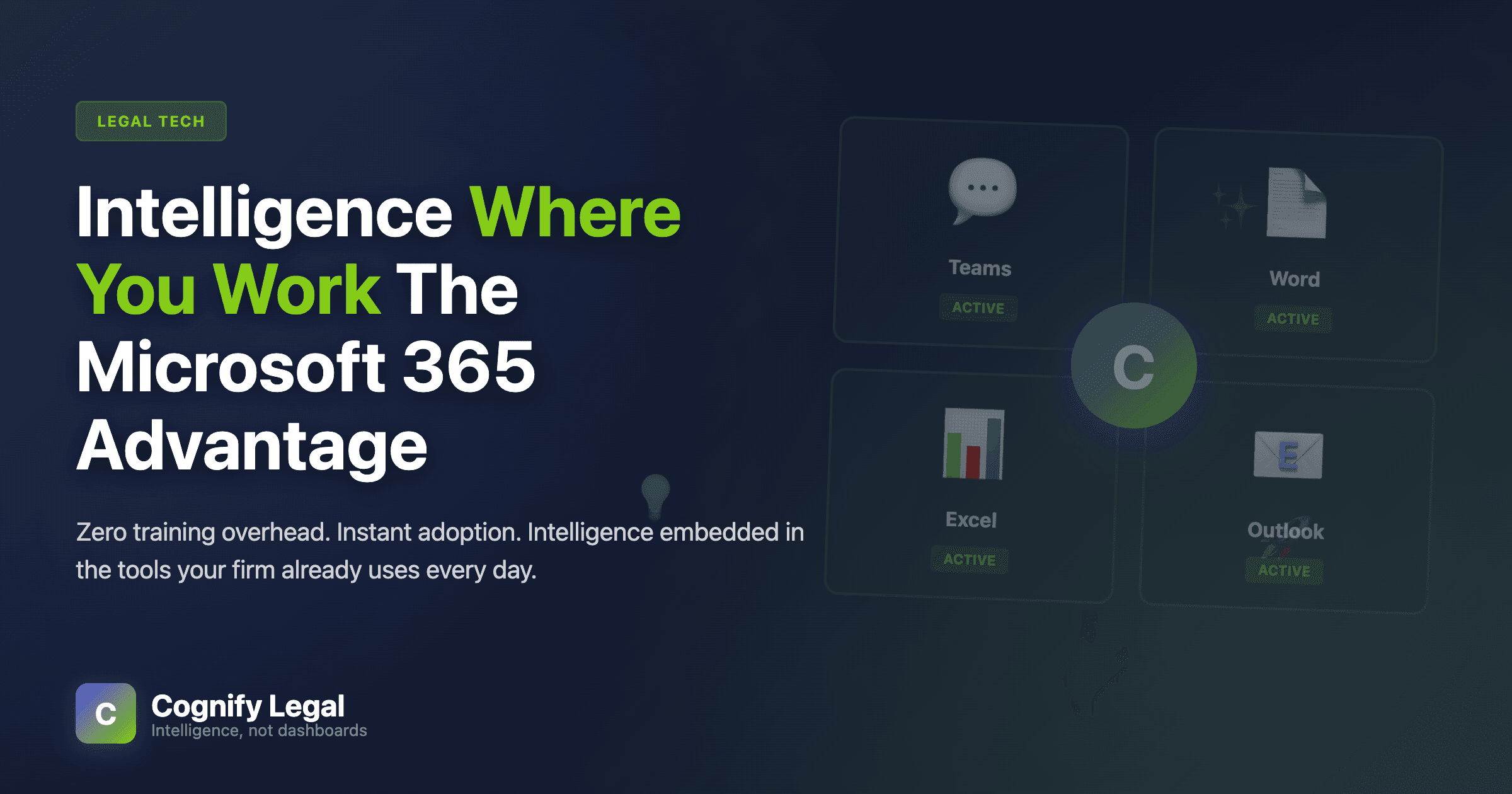
There's a simple reason why traditional business intelligence platforms fail in law firms: they require people to go somewhere else to get answers. A different application. A different interface. A different way of thinking.
Meanwhile, every lawyer in your firm already lives in Microsoft 365. They spend their entire day in Outlook, Word, Excel, Teams, and PowerPoint. These aren't just tools—they're the environment where legal work happens.
This is why embedding intelligence directly into Microsoft 365 isn't just convenient. It's the only approach that actually works at scale.
The Context Switching Problem
Imagine this common scenario: A partner is drafting a client proposal in Word. She needs to include the firm's recent track record with similar clients. In the traditional BI world, here's what happens:
Save the Word document
Open a web browser
Navigate to the BI platform (hope you remember the URL)
Log in (hope you remember the password)
Find the right dashboard (assuming you know where to look)
Set the right filters (client sector, date range, matter type)
Wait for the query to run
Manually copy the relevant data
Switch back to Word
Format the data to look professional
Resume writing
This takes 5-10 minutes. Maybe 15 if the dashboard is slow or you can't remember where that particular report lives. The cognitive load is enormous. The interruption to flow state is complete.
Most partners won't do this. They'll either skip including the data, or they'll ask an assistant to pull it later, or they'll make up approximate numbers from memory.
The Microsoft 365 Approach
Now imagine the same scenario with intelligence embedded in Word:
Continue writing in Word
Ask Cognify in the sidebar: "Show me our billing history with Client ABC for the past year"
Review the formatted data that appears instantly
Click "Insert into document"
Continue writing
Total time: 15 seconds. No context switch. No cognitive load. No interruption to flow.
This isn't a marginal improvement. It's the difference between something people will actually do versus something they'll avoid.
The Zero Training Advantage
Traditional BI platforms require training. Hours of it. You need to learn:
Where different reports and dashboards live
How to set filters and date ranges correctly
Which metrics mean what
How to drill down into details
How to export data in the format you need
What limitations and quirks the platform has
Even with training, there's a steep learning curve. Users forget procedures between infrequent uses. New features require re-training. Different roles need different training paths.
Microsoft 365 integration eliminates this entirely.
Partners already know how to use Word, Excel, PowerPoint, and Outlook. They've been using these tools for decades. There's no new interface to learn. No new navigation patterns. No new mental model.
The only new element is the Cognify sidebar, which works the same way across all applications. And instead of learning complex query interfaces, you just ask questions in plain English:
"What's my utilization this month?"
"Show me matters with unbilled time over 45 days"
"How does our litigation practice compare to last year?"
If you can type a question, you can use the system. Training time: zero.
We didn't have to train anyone. The first time someone saw Cognify in Word, they just started asking it questions. Within a week, 70% of partners were using it regularly. That never happened with our old BI system.
Managing Partner, 45-person commercial law firm
Intelligence in Context
But the real power of Microsoft 365 integration goes beyond eliminating context switching and training overhead. It's about providing intelligence in the exact moment when it's relevant.
In Outlook: Client Context
When you're composing an email to a client, Cognify automatically surfaces relevant context in the sidebar:
Outstanding invoices and payment status
Active matters and their status
Recent billing history
Relationship health indicators
You don't have to search for this information. You don't have to remember to check it. It's just there, automatically, because the system knows who you're writing to.
In Word: Matter Intelligence
When you're working on a matter document, Cognify provides instant access to:
Time recorded on this matter
Budget status and forecasts
Similar past matters and outcomes
Team member contributions
This transforms proposal writing, progress reports, and budget discussions from research exercises into informed conversations.
In Excel: Live Data
Instead of manually exporting data from your practice management system and pasting it into Excel, Cognify can generate complete analyses with formulas, formatting, and conditional highlighting—all with a single natural language request.
"Show me revenue by practice area for the last 6 months with month-over-month comparison" creates a publication-ready table in seconds.
In PowerPoint: Board-Ready Slides
Creating board presentations typically means hours of pulling data from various sources, creating charts, and formatting slides. With Cognify in PowerPoint, you can generate entire slides with live data, professional visualizations, and branded formatting from simple requests.
The Adoption Curve
Here's what typical adoption looks like for traditional BI versus Microsoft 365-embedded intelligence:
Timeline | Traditional BI | M365-Embedded |
Week 1 | Training sessions scheduled, 20% of users log in to explore | 60% of users try it within first use of M365 apps |
Month 1 | 15% regular usage, mostly finance/admin | 70% regular usage across all roles |
Month 3 | 8% regular usage, adoption declining | 85% regular usage, becoming habitual |
Month 6 | 3% regular usage, effectively abandoned | 90% regular usage, fully embedded in workflows |
The difference is stark. Traditional BI sees declining adoption over time as initial enthusiasm fades and friction accumulates. Microsoft 365 integration sees increasing adoption as users discover more ways to use it in their daily work.
The Network Effect
When intelligence is embedded in the tools everyone uses, something interesting happens: adoption becomes viral within the firm.
A partner asks Cognify a question in Teams during a meeting. Other partners see how fast they get an answer. They start using it themselves. Associates see partners using it and adopt it for their own work. The practice manager sees better data quality in proposals and reports.
You don't need to mandate usage. You don't need to send reminder emails. You don't need to tie it to performance reviews. People use it because they see their colleagues getting value from it, and the barrier to trying it themselves is essentially zero.
The Platform Effect
The Platform Effect
Microsoft 365 isn't just where lawyers work—it's the platform your entire firm is already built on. Your data flows through it. Your communications happen in it. Your documents live in it. Your meetings run in it.
Embedding intelligence in M365 isn't about adding a feature to existing tools. It's about activating the platform you've already invested in and making it intelligent.
Every firm has already paid for Microsoft 365. Every user already has licenses. Every lawyer already knows how to use it. The infrastructure is there. The adoption is there. The only thing missing is the intelligence layer.
The Security Bonus
There's another advantage to Microsoft 365 integration that often gets overlooked: security and compliance.
When you work within the Microsoft 365 ecosystem, you inherit all of Microsoft's enterprise security infrastructure:
Single sign-on through Azure AD (users don't need another password)
Multi-factor authentication that's already configured
Role-based access control that matches your existing M365 permissions
Audit logging that integrates with your existing compliance monitoring
Data residency that respects your existing M365 data location policies
Your IT team doesn't need to configure a new security perimeter. Your users don't need to remember new passwords. Your compliance team doesn't need to monitor another system. It all flows through the infrastructure you've already secured and audited.
Why This Matters for Law Firms
Law firms are different from other businesses in ways that make Microsoft 365 integration particularly powerful:
Partners are time-poor and delegation-rich. They won't spend time learning new tools, but they will use tools they already know if those tools become more useful.
Work is document-centric. Legal work produces Word documents, Excel models, PowerPoint presentations, and email correspondence. Intelligence that exists outside these documents is intelligence that gets ignored.
Collaboration is constant. Lawyers work in Teams channels, share documents, and meet virtually. Intelligence that surfaces in these collaboration spaces gets seen and used by multiple people simultaneously.
Decisions need data in the moment. Should we take this matter? Can we offer a fixed fee? Is this client a payment risk? These questions arise during conversations, not during scheduled dashboard review sessions.
Microsoft 365 integration addresses all of these realities. Traditional standalone BI platforms address none of them.
The Implementation Reality
Here's the practical difference when deploying business intelligence:
Traditional BI deployment:
IT needs to provision new infrastructure or cloud resources
Users need new accounts and passwords
Training needs to be scheduled and delivered
Change management program required to drive adoption
Ongoing support needed as users encounter issues
3-6 months before you see meaningful usage
Microsoft 365-embedded deployment:
IT installs one Teams app for the entire firm
Users authenticate with existing M365 credentials
No training required (users already know M365)
Organic adoption through daily workflows
Minimal support needed (familiar interface)
1-2 weeks before you see widespread usage
The deployment timeline alone is worth considering. But the real difference is that one approach requires constant effort to maintain adoption, while the other achieves adoption naturally through removal of friction.
The Future is Embedded
The era of standalone business intelligence platforms is ending. Not because the technology isn't powerful—it is. But because the usage model doesn't match how knowledge workers actually work.
The future of business intelligence is embedded. Intelligence that lives where people work, not in a separate destination they have to visit. Intelligence that answers questions in natural language, not through complex query builders. Intelligence that surfaces proactively when relevant, not passively when someone remembers to check.
For law firms, this future is already here. Microsoft 365 provides the platform. The tools are already deployed. The users are already trained. The infrastructure is already secured.
All that's needed is to make it intelligent.
That's what Cognify does. We don't ask lawyers to change how they work. We make the tools they already use become intelligent enough to answer their questions, provide their insights, and eliminate their busywork.
Because the best business intelligence isn't in a dashboard. It's in your workflow.
Matt Todd
Founder & CEO, Cognify Legal
After more than a decade implementing BI systems across industries and watching them consistently fail to achieve adoption, Matt founded Cognify to solve the fundamental problem: people don't open dashboards. Previously an enterprise consultant specializing in digital transformation and business intelligence.
Learn more about our story →